Every musician mixes their own headphones.
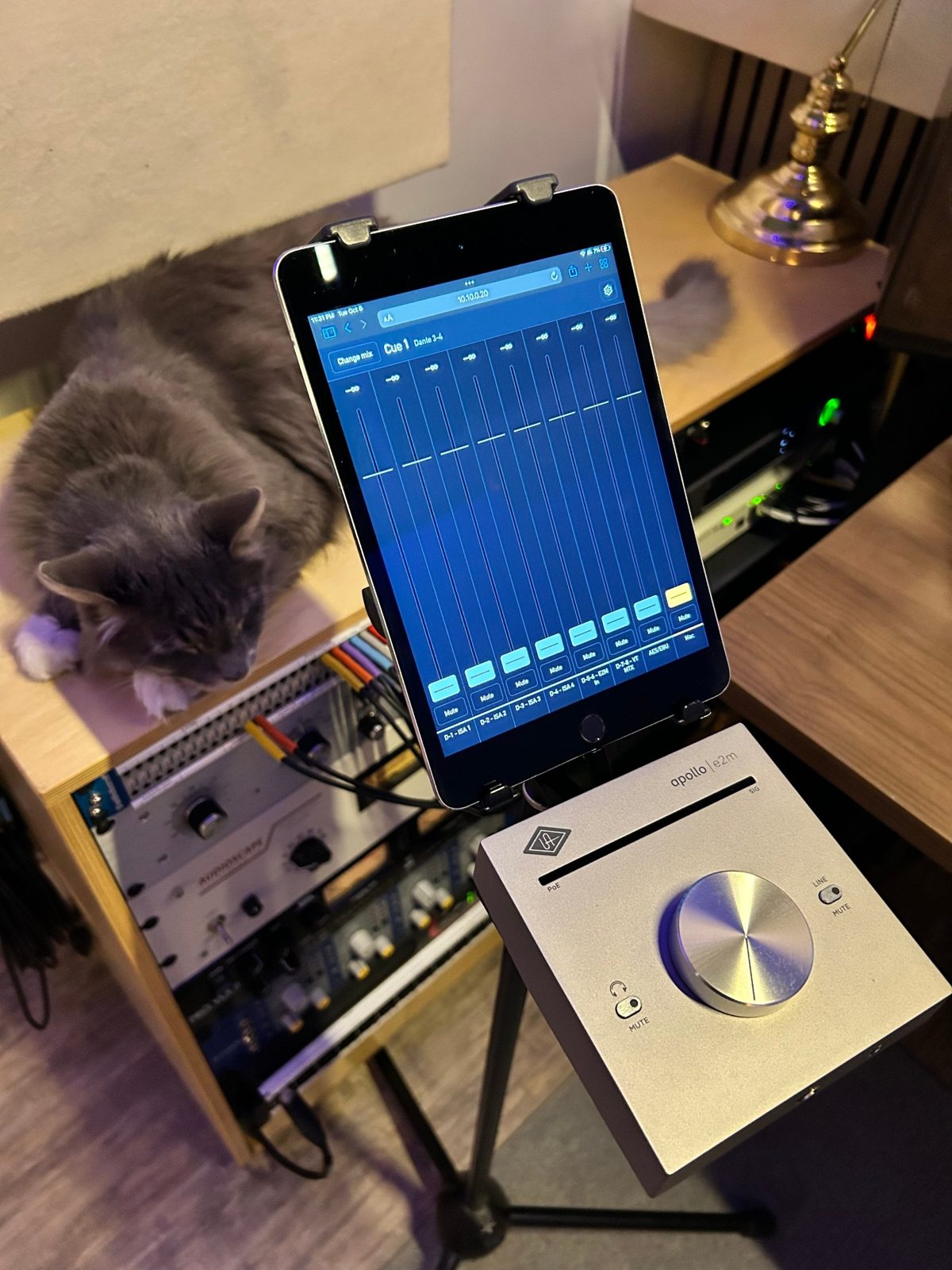
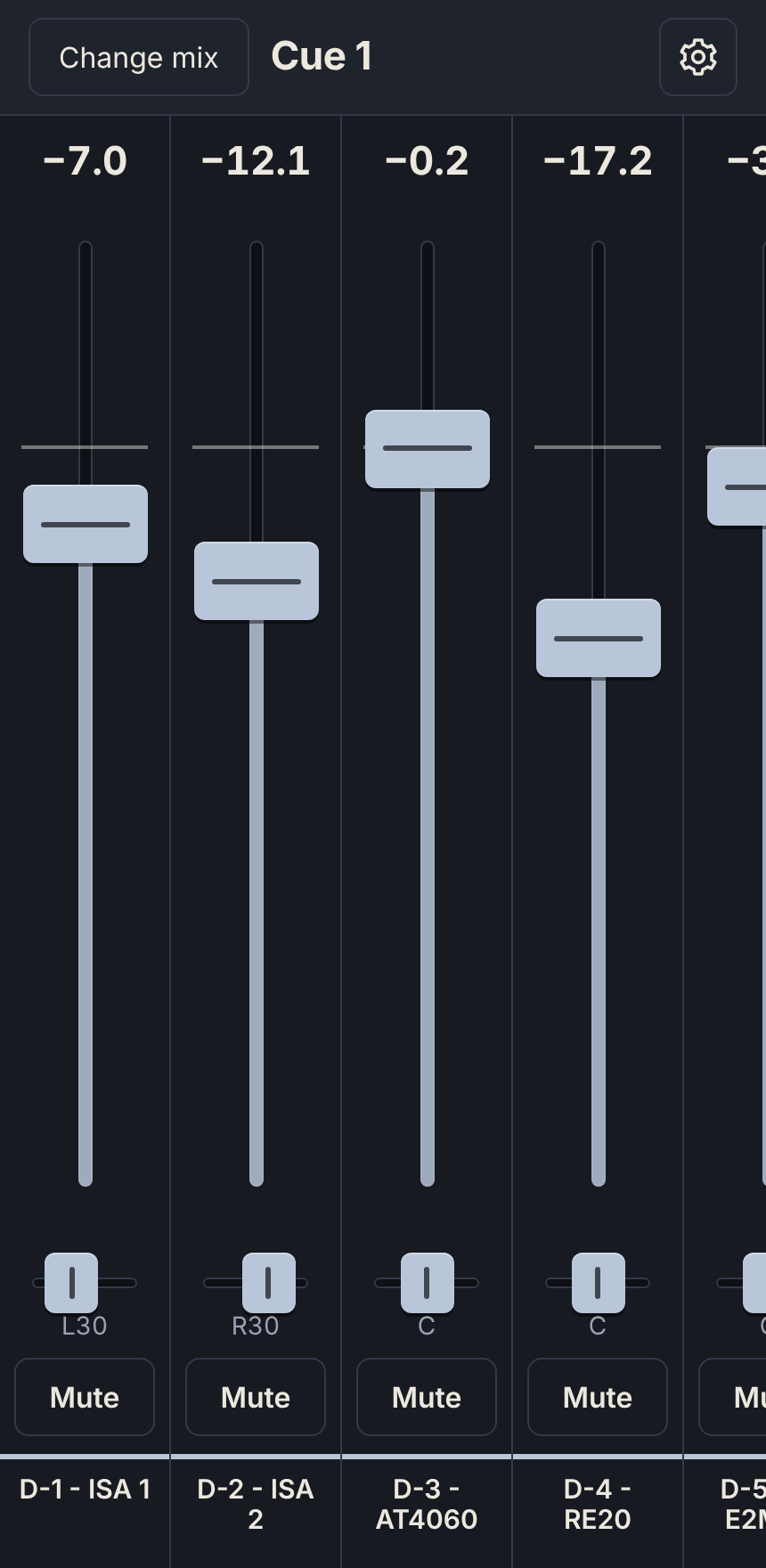
YourCue puts your Apollo's cue mixes on any phone or tablet. Nobody has to ask the engineer for more of themselves, and you decide what they can touch.
Drag a fader. Then drag away from it.
The further your finger gets from the fader, the finer it moves. You can place a level exactly without lifting your finger, and nothing jumps when you come back.
Try it: hold a fader, slide sideways, and keep going up or down. This is the same behaviour as in the app.
Nothing to install on their device.
Run YourCue on the Mac that runs your Apollo
It sits in the menu bar and talks to UA's software already on the machine.
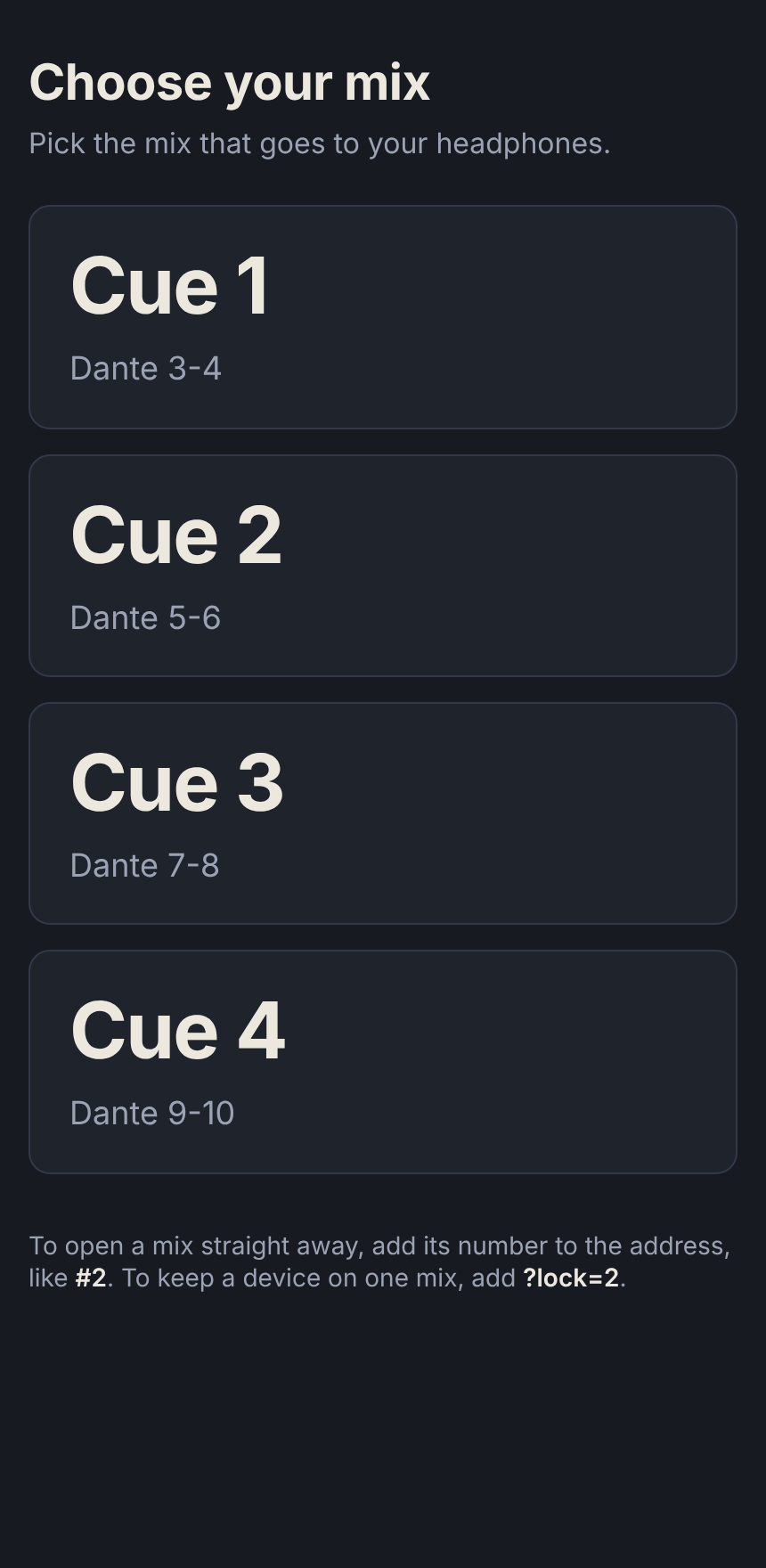
Open a link on any phone, tablet or laptop
Anything with a browser on the studio network. One link per musician, locked to their mix.
They turn themselves up, you keep the rest
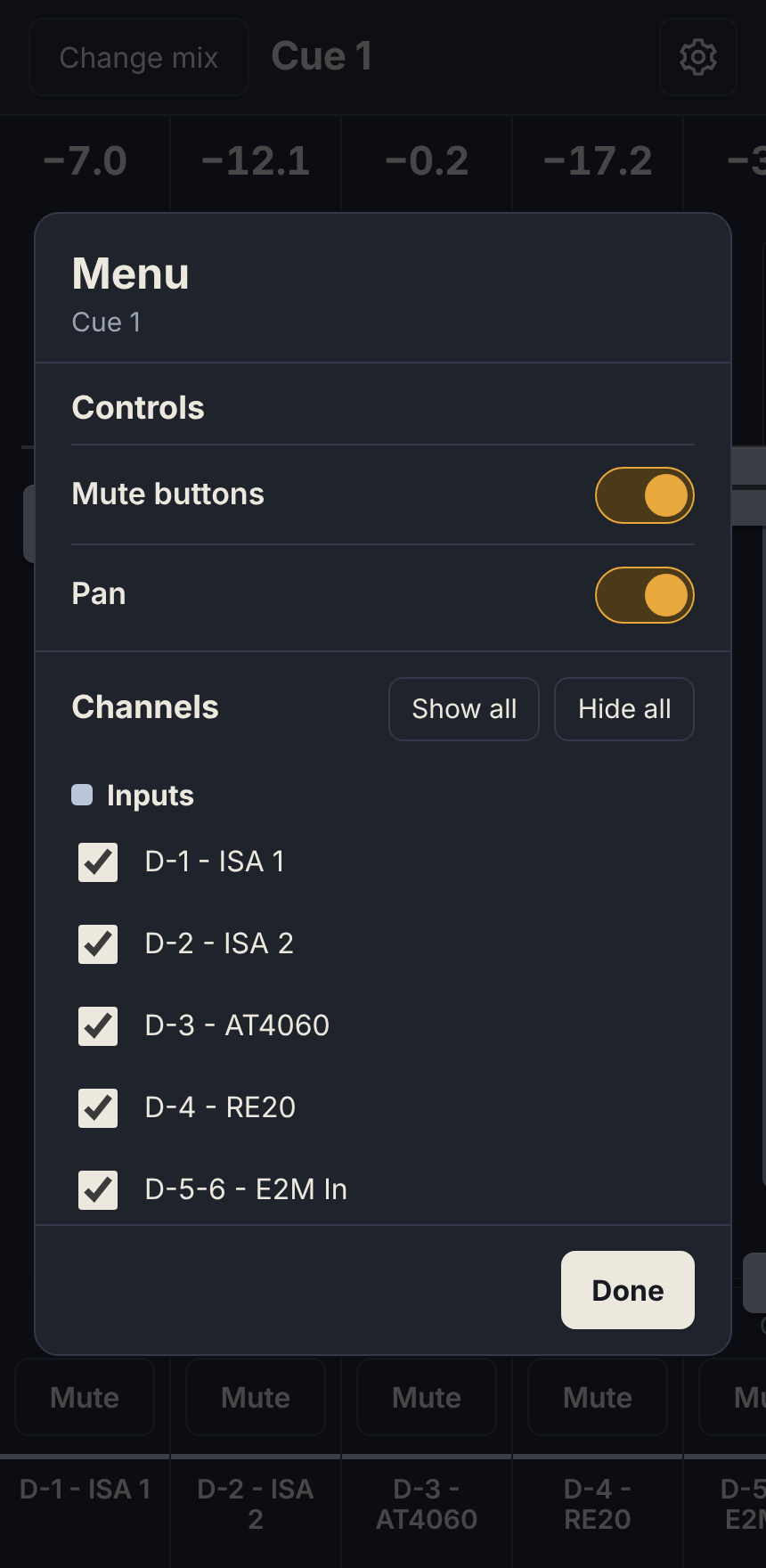
Faders, pan and mute for the channels you show them. Everything else stays yours.
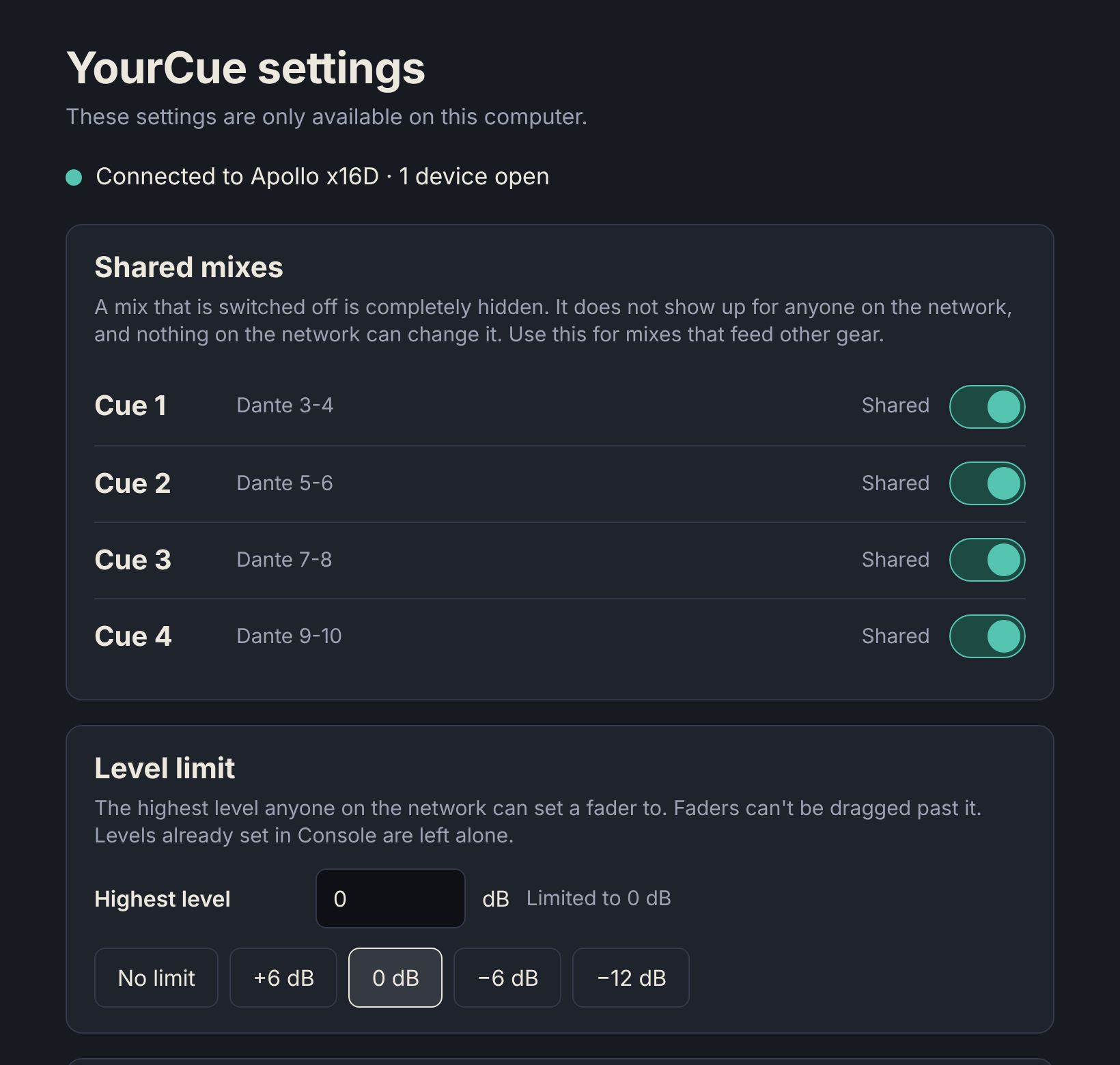
You stay in charge of the room.
- Share only the mixes you chooseA mix you switch off is invisible and untouchable from the network, so a cue feeding other gear stays safe.
- Set a level ceilingNobody can drag a fader past the limit you set, in dB, to protect ears and monitors.
- One link per musicianOpens straight into their mix and can't switch to anyone else's.
- Choose the networkServe the page on one network interface only, such as the studio switch, and keep it off the rest.
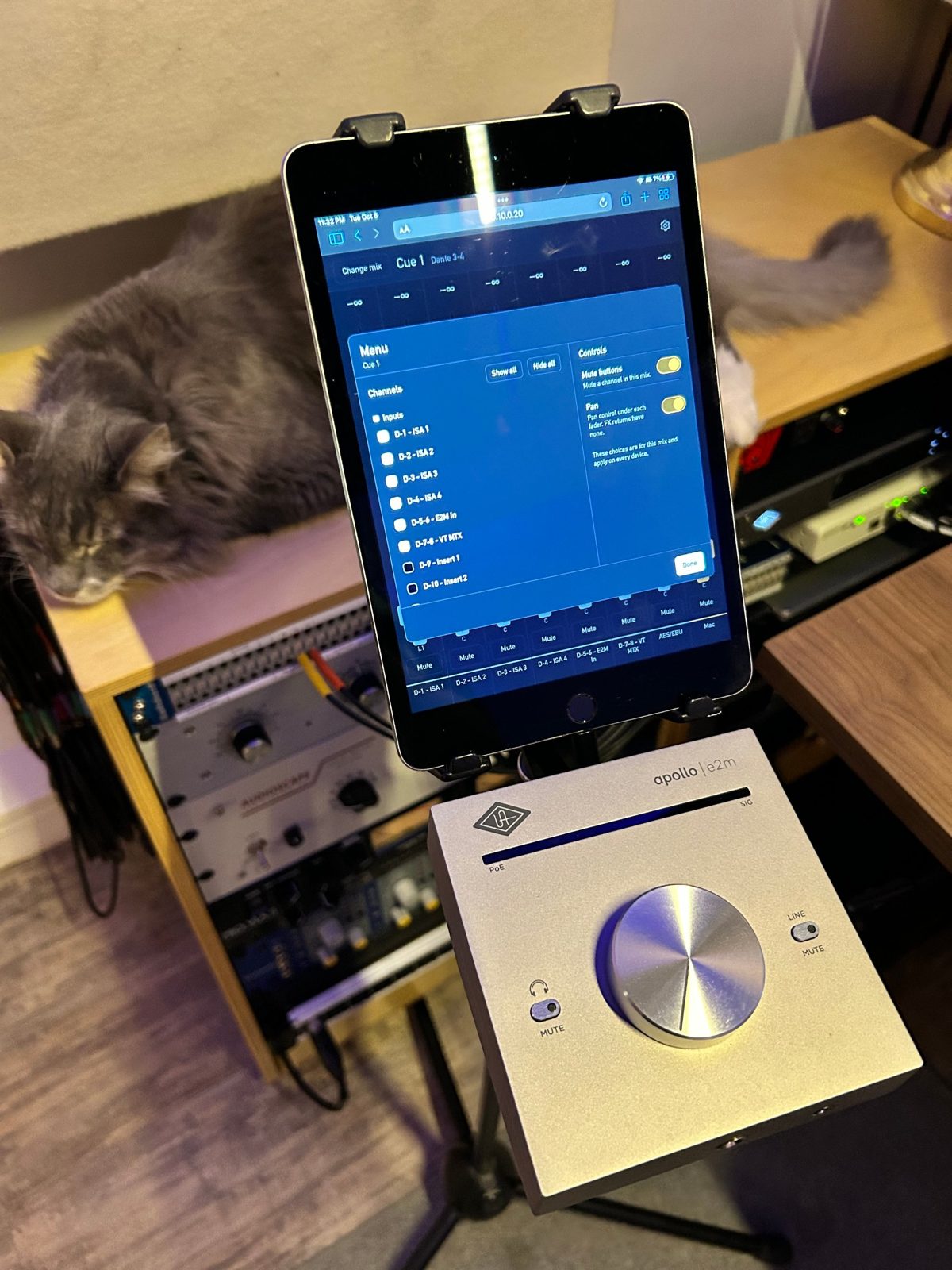
Built to be simple.
I run an Apollo x16D in my Dante-based studio, and I wanted an easy way to control the features I had already paid for from across the room. The system already has up to four cue mixes, so why add external personal mixers and more setup?
So I built an app that runs a very light server on the studio Mac. Musicians connect over Wi-Fi and pick their cue mix. I use it every day.
I'm still testing it to make sure it is stable and safe. If you'd like to try it when it is ready, join the early-access list.
- A Mac with Apple silicon, running UA's software
- An Apollo interface (built and tested on an x16D)
- A phone, tablet or laptop on the same network